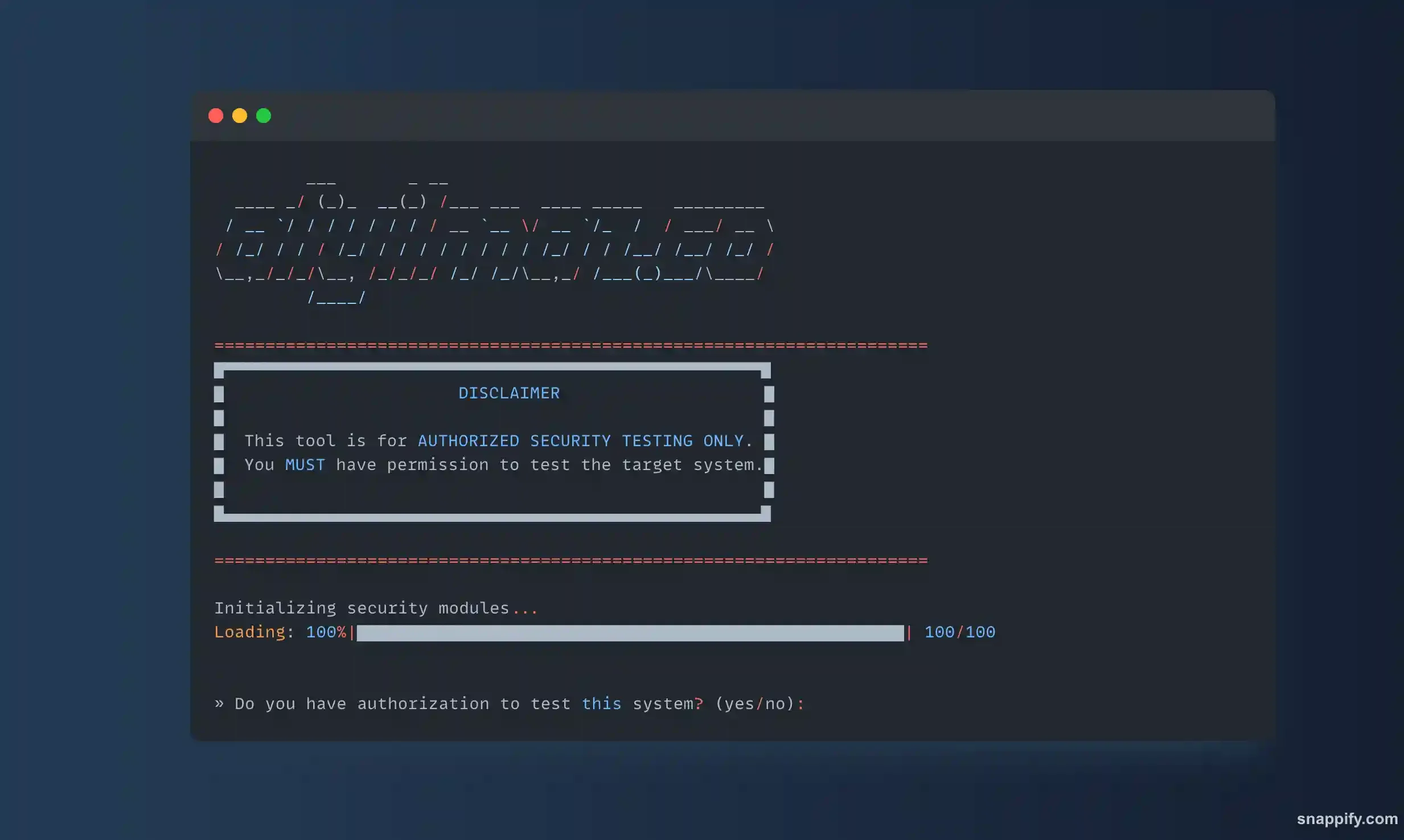
This project is an experimental Python utility for observing how a web service responds to increased HTTP traffic in a controlled test environment. It records status codes, headers, response sizes, redirects, and request-rate information to support capacity and resilience reviews.
Authorized use only
The tool is intended exclusively for systems where the operator has explicit permission to run a load or security test. Production services and third-party infrastructure are out of scope.
Before a test, the operator should:
- Obtain explicit approval from the system owner.
- Define the target, duration, traffic ceiling, and stop conditions.
- Confirm monitoring and incident contacts are available.
- Avoid any scenario that could affect unrelated users or infrastructure.
- Record the environment and results so findings can be reproduced responsibly.
What it helps observe
- The point at which latency or error rates begin to increase
- Whether load balancing distributes requests as expected
- How failover and retry behavior appears under stress
- Whether monitoring detects increased traffic and server errors
- How redirects, timeouts, and response sizes affect the request path
The utility does not replace a complete performance-testing platform or a production readiness review. It provides a focused way to inspect HTTP behavior during a bounded experiment.
Main capabilities
- Multi-threaded request generation with a configurable worker count
- Configurable socket timeout and redirect limit
- Default and file-based user-agent lists
- Status-code, response-header, and response-size reporting
- Real-time summaries for successful requests, failures, and approximate throughput
- Colored terminal output for distinguishing normal responses from errors
Technical structure
The implementation uses Python’s http.client for low-level HTTP connections, threading for parallel workers, and urllib.parse for URL handling. requests, colorama, and termcolor support validation and readable terminal output.
The request lifecycle is divided into target validation, header construction, connection setup, redirect handling, response collection, and reporting. Locks protect shared counters while workers operate concurrently.
Controlled test workflow
A safe test begins with a small worker count and a staging target. Traffic is increased gradually while application metrics, reverse-proxy metrics, database load, and error reporting are observed. The operator should stop at the first agreed threshold rather than trying to force a failure.
Representative output includes a status, selected response headers, and payload size:
[+] Request 1: 200 OK
    Content-Type: application/json
    Content-Length: 1024
    Response size: 1024 bytes

[!] Request 47: 503 Service Unavailable
    Retry-After: 30
    Response size: 287 bytes
Limitations and interpretation
Client-side request generation can become the bottleneck before the target service does. Network distance, connection reuse, TLS negotiation, and the test machine’s own resource limits all influence results. Any finding should therefore be compared with server-side telemetry and repeated under a documented configuration.
The project is most useful as a learning and diagnostic tool for authorized environments. For formal performance testing, it should be complemented by established load-testing software, clear service-level objectives, and production-like observability.