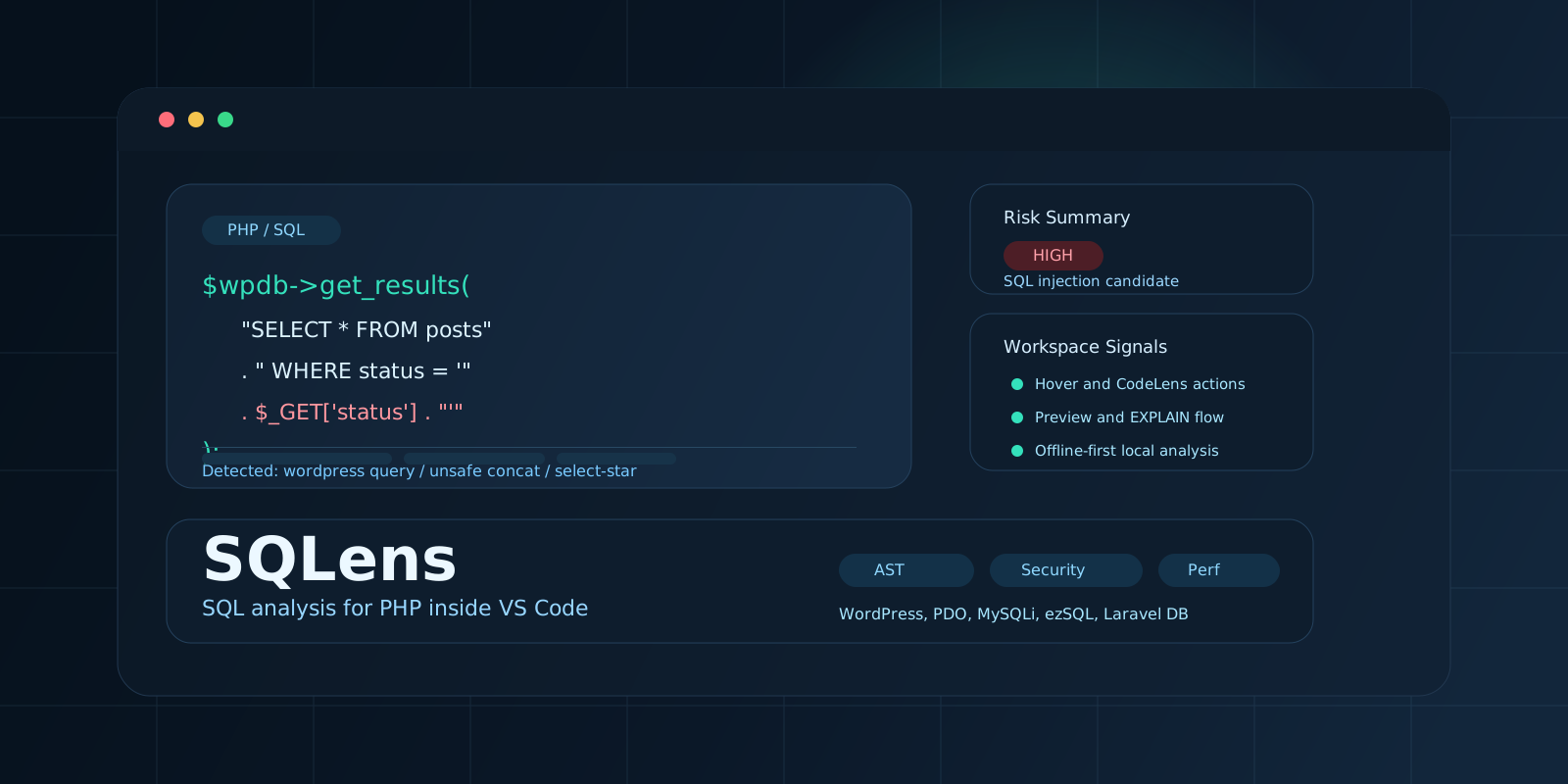
SQLens is a VS Code extension for finding and analyzing SQL embedded in PHP code. It turns a query from an opaque string into an editor object with framework context, security findings, performance signals, and actions for deeper inspection.
The problem
In PHP applications, SQL is often distributed across controllers, helpers, wrappers, and framework-specific data layers. Unsafe concatenation, SELECT *, incorrect NULL comparisons, and other expensive or risky patterns may therefore remain hidden until review or production debugging.
SQLens moves the discussion from “does this query run?” to “what does it do, how safe is it, and what should be reviewed?”
Analysis pipeline
The extension parses PHP into an AST, identifies SQL-bearing calls, and normalizes common patterns from WordPress, ezSQL, PDO, MySQLi, and Laravel DB. Basic input tracking highlights potential paths from user-controlled data to a query.
Security signals
- Potential SQL injection paths
- Unsafe string concatenation
- Missing or suspicious parameter binding
- High, medium, and informational severity levels
Performance and maintenance signals
SELECT *usage- Incorrect
NULLcomparison patterns - Large
ORchains and difficult-to-maintain statements - Queries that deserve index or plan review
Editor experience
Results are integrated into normal VS Code workflows rather than written only to a log:
- Hover details summarize tables, columns, framework context, and security state.
- CodeLens provides
Preview,Explain,Copy, andRefreshactions. - Explorer views collect workspace queries in one place.
- Optional explain plans help connect source code to database execution behavior.
Privacy and database safety
Offline analysis is the default. A database connection is optional and explicitly configured by the user. Preview and explain flows are designed around read-only credentials, allow SELECT statements by default, and apply row and timeout limits.
This boundary is especially important for WordPress, legacy PHP, and operational codebases where an editor convenience must not introduce a new production risk.
Technical structure
- TypeScript and the VS Code Extension API
php-parserfor PHP AST analysis- Optional
mysql2andpgconnectivity esbuildpackaging- VS Code 1.103+ and Node.js 20+ development targets
The key architectural choice was to use structural PHP information instead of treating every query as a regular-expression match. That makes framework-aware findings and more useful editor context possible.
Current boundaries
Complex Eloquent ORM chains are not fully covered. Input tracking is intentionally basic and may produce false positives or false negatives. Advanced explain flows require database configuration. These limitations are stated explicitly so the extension remains a review aid rather than an automated guarantee.